Turn a TV into a split-flap message board
A customizable split-flap board for your lobby, store, office, cafe, or event.
Message Board TV is a split-flap digital signage app for Apple TV, Mac, iPhone and iPad, designed for business messages, welcome signs, announcements, menus, and event displays.
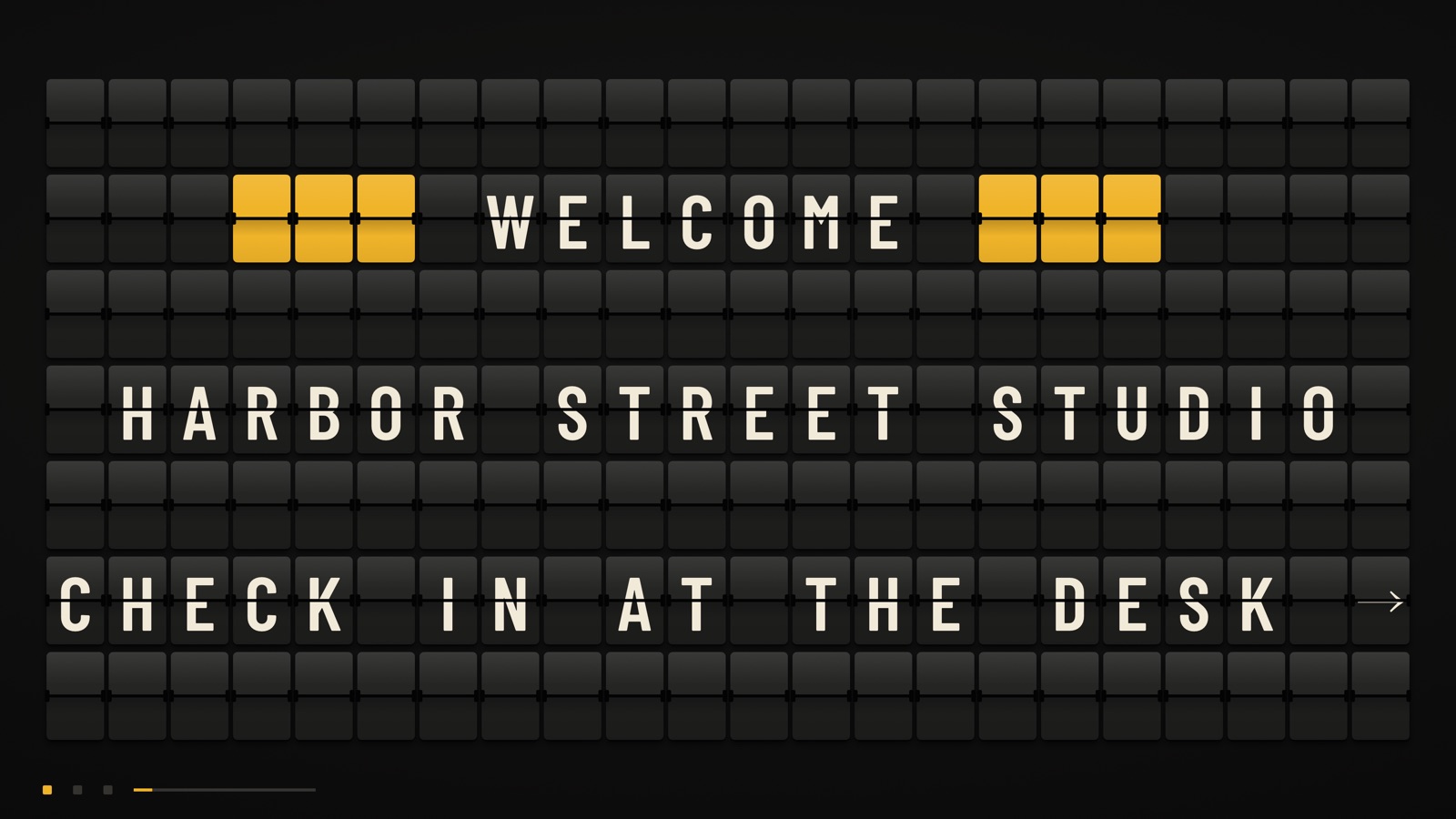
Message Board TV gives an ordinary screen the movement and character of a mechanical departure board.
Made for real signs
Offices and reception areas
Welcome guests in the lobby or at the front desk, and loop the day's announcements.
Shops
Put your opening hours or this week's news where people walking in will see it.
Cafes and restaurants
Post today's special or a short menu, with prices lined up on the right.
Hotels
Welcome guests at the front desk and point them to check-in.
Events
Greet people at a wedding, a conference, or a pop-up.
A look for every space
Terminal, Platform, Graphite and Sorbet. The flaps are animated, each style has its own flap sound, and color tiles draw the eye.
Terminal
Black flaps and warm type, like an airport board.
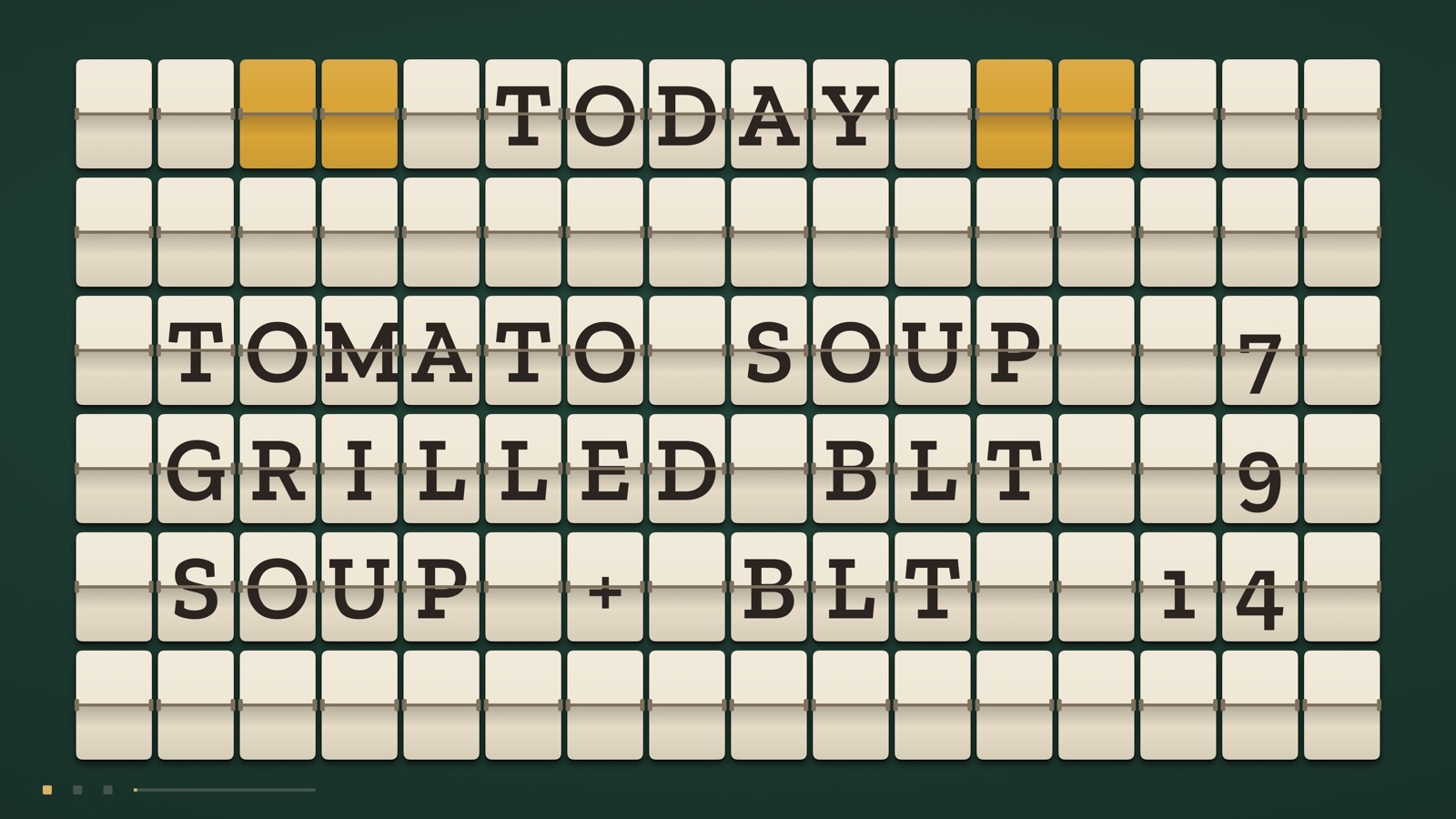
Platform
Cream enamel flaps on railway green.
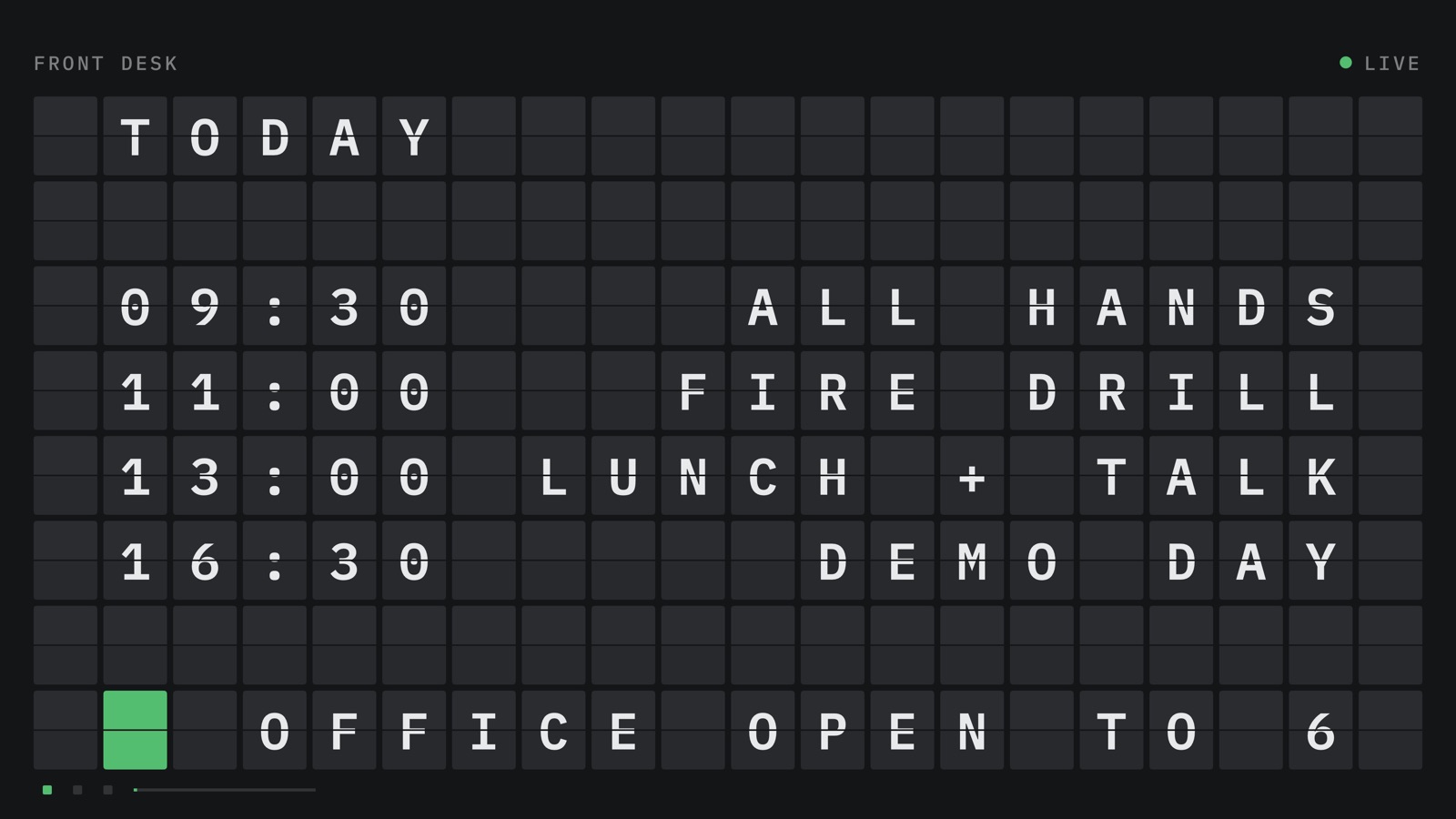
Graphite
A clean, matte status board.
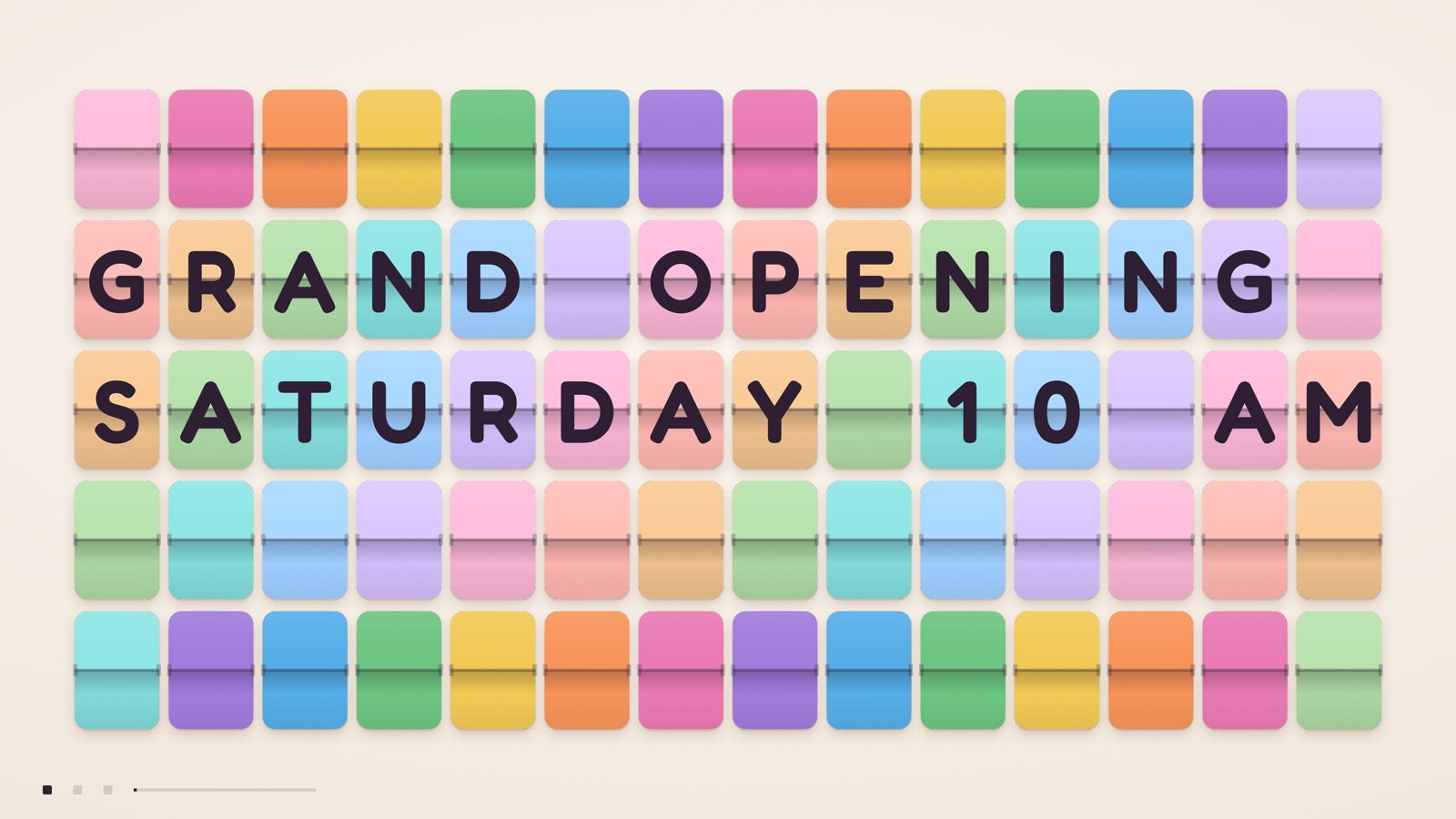
Sorbet
Pastel flaps with chunky rounded type.
Type it. It flips.
Runs on Apple TV and Mac
The board plays full screen on an Apple TV or a Mac. The same app runs on iPhone and iPad.
From an iPhone or iPad, over AirPlay
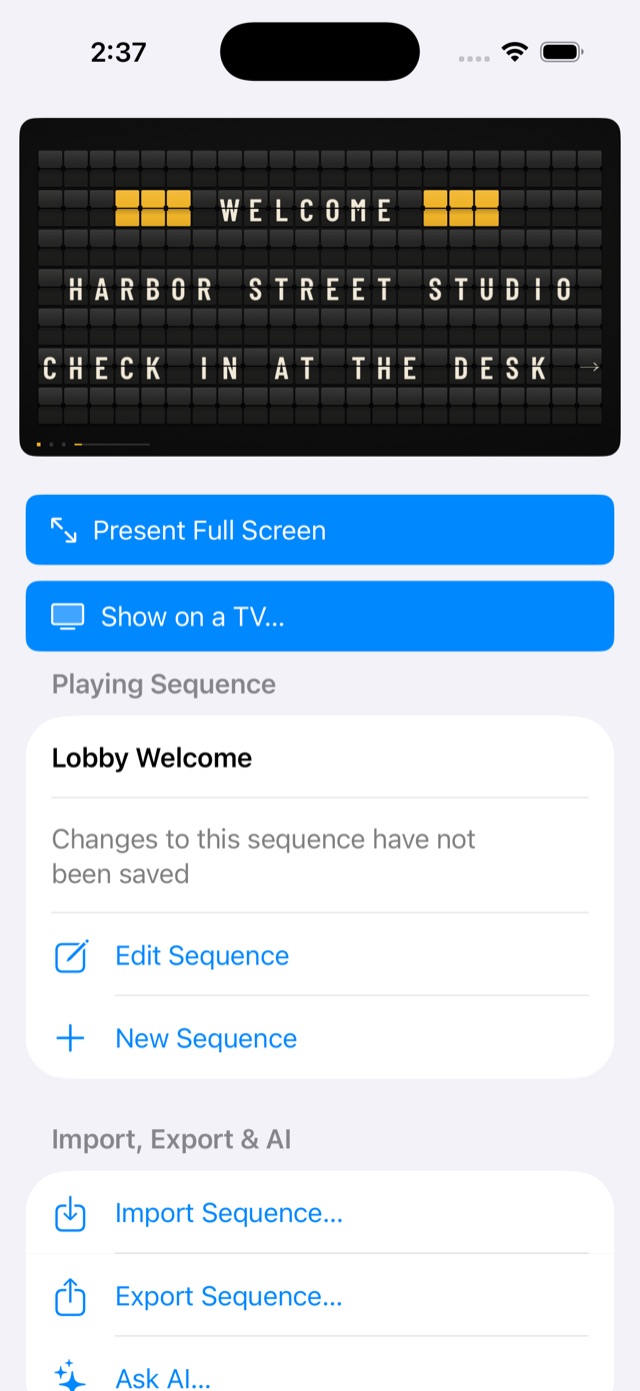
Choose Show on a TV in the app. The board fills the TV while the device in your hand shows the editor.
Type, and it flips
Type a message and watch it flip onto the board, flap by flap. The board changes as you type.
Line up several messages
They rotate on their own, all day. Choose how the flaps move between messages and how long each one stays.
Free to try
The free version loops the sample messages and plays your own messages once. Home and Business loop your own messages, and each starts with a one-week free trial for new subscribers.
Free
$0
No subscription needed
- Sample messages
- Loop, ending each loop on a “Made with Message Board TV” page
- Your own messages
- Play once, then stop on that page
- Board styles
- All four
- Saved sequences
- 3
- Import, export, Ask AI
- No
- Own background and flap colors, Fill the screen
- No
Home
$2.99 a month or $19.99 a year
1 week free trial
- Sample messages
- Loop
- Your own messages
- Loop
- Board styles
- All four
- Saved sequences
- 3
- Import, export, Ask AI
- No
- Own background and flap colors, Fill the screen
- No
Business
$7.99 a month or $59.99 a year
1 week free trial
- Sample messages
- Loop
- Your own messages
- Loop
- Board styles
- All four
- Saved sequences
- Unlimited
- Import, export, Ask AI
- Yes
- Own background and flap colors, Fill the screen
- Yes
Subscriptions are bought in the app through Apple, and one purchase covers Apple TV, Mac, iPhone and iPad.
Prices are in US dollars and may vary by country or region. Subscriptions renew automatically unless cancelled at least 24 hours before the end of the current period. You can manage or cancel a subscription in your Apple Account settings. The app uses Apple's standard license agreement.